
01Select strategies
After entering all your data into My Game Plan, go to the Recommendations section in the left-hand menu.
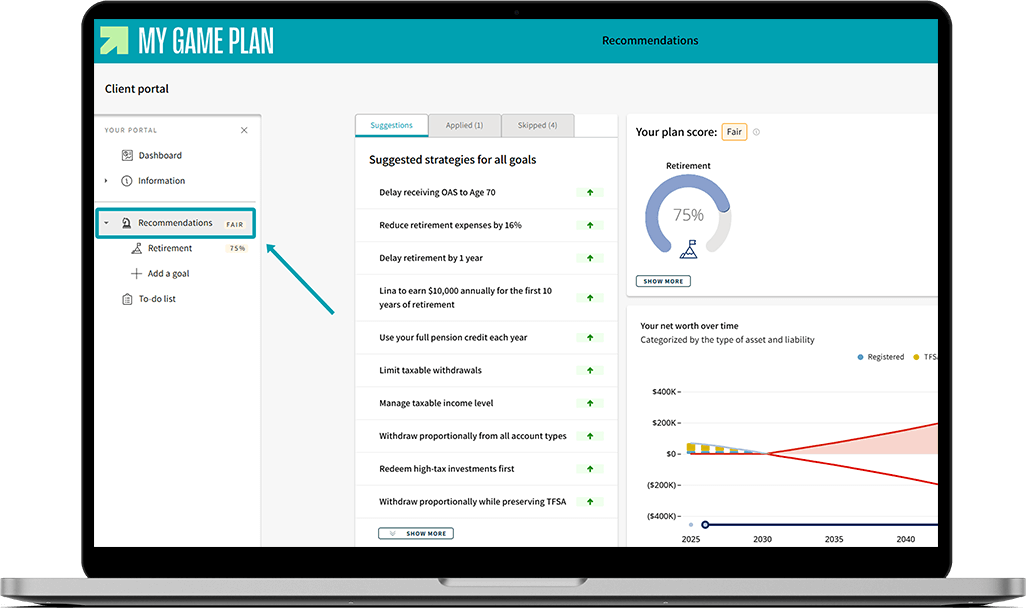
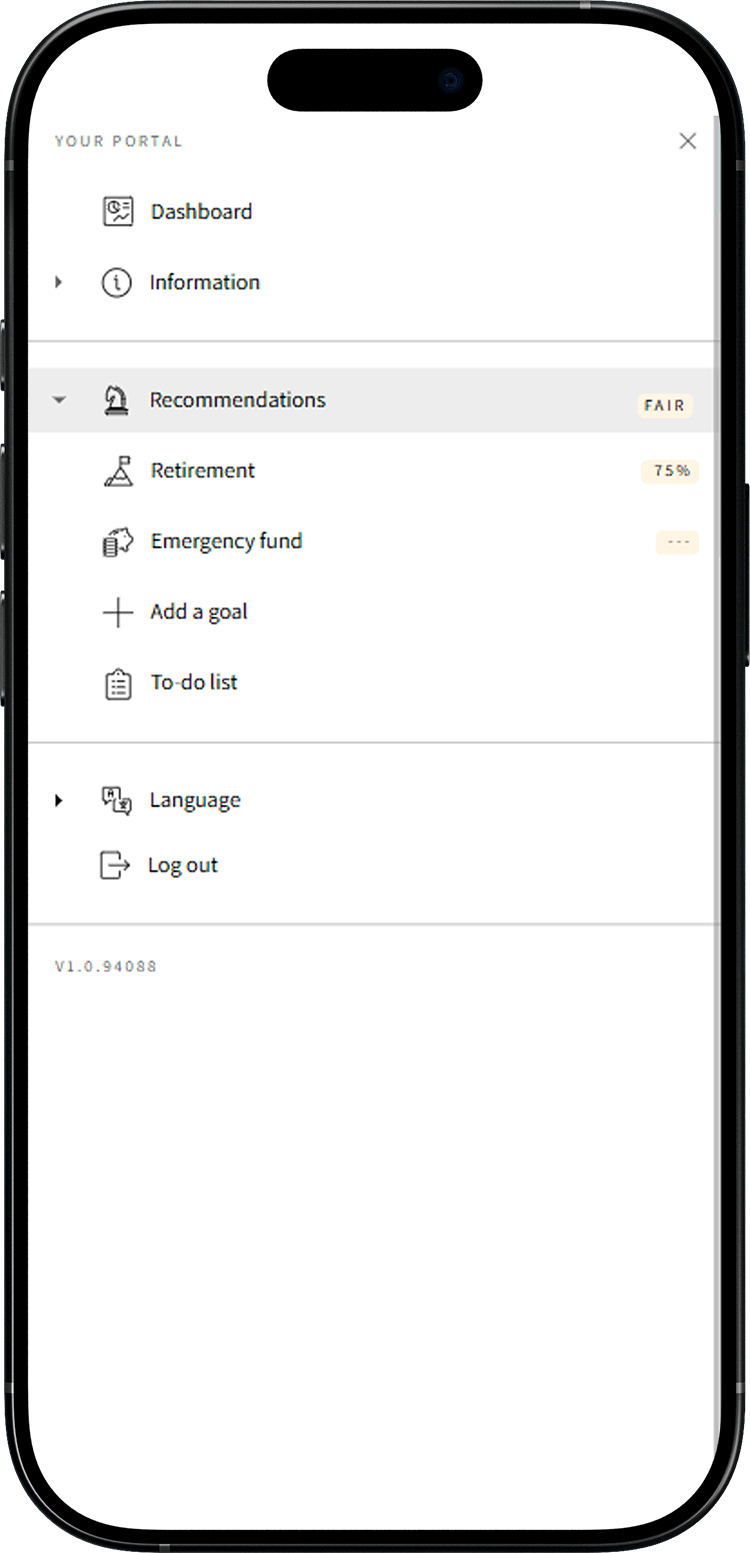
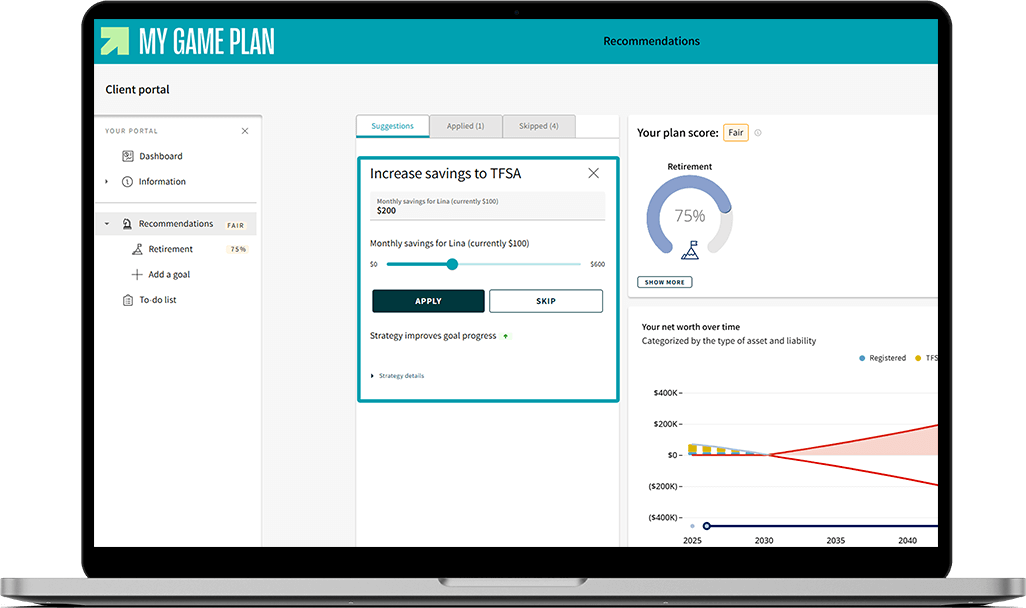
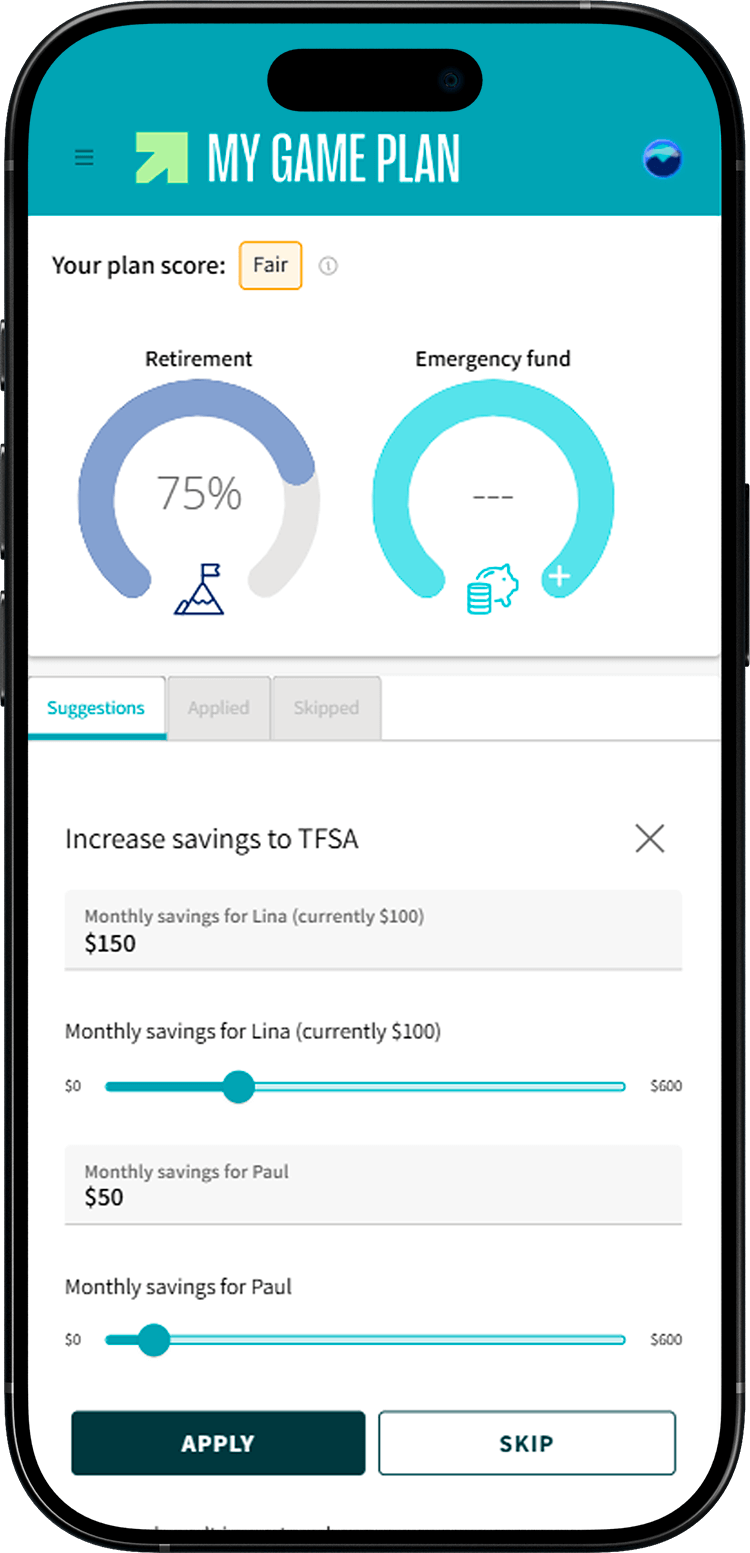
The tool will suggest personalized strategies to help you reach your goals. Select the ones that interest you and click Apply to add them to your plan.

Tip
To learn more, click on Strategy details. You'll find explanations on how and why the strategy improves your plan!
02Generate your action list
Selected strategies are added to your to-do list. This list serves as a reminder of the strategies you need to implement and their execution dates. To access it, select To-do List from the left-hand menu, then click Generate To-dos.
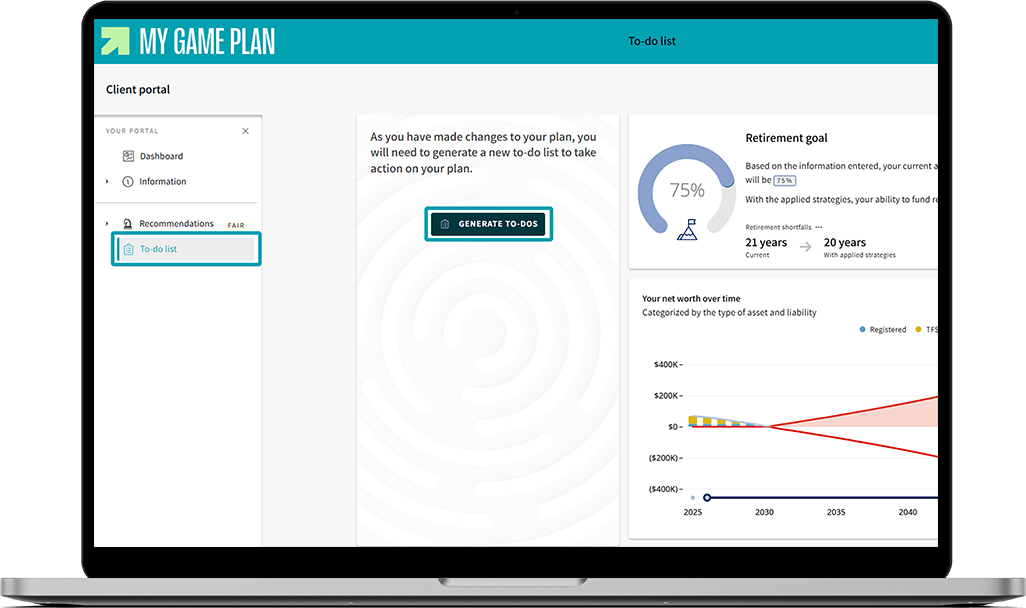
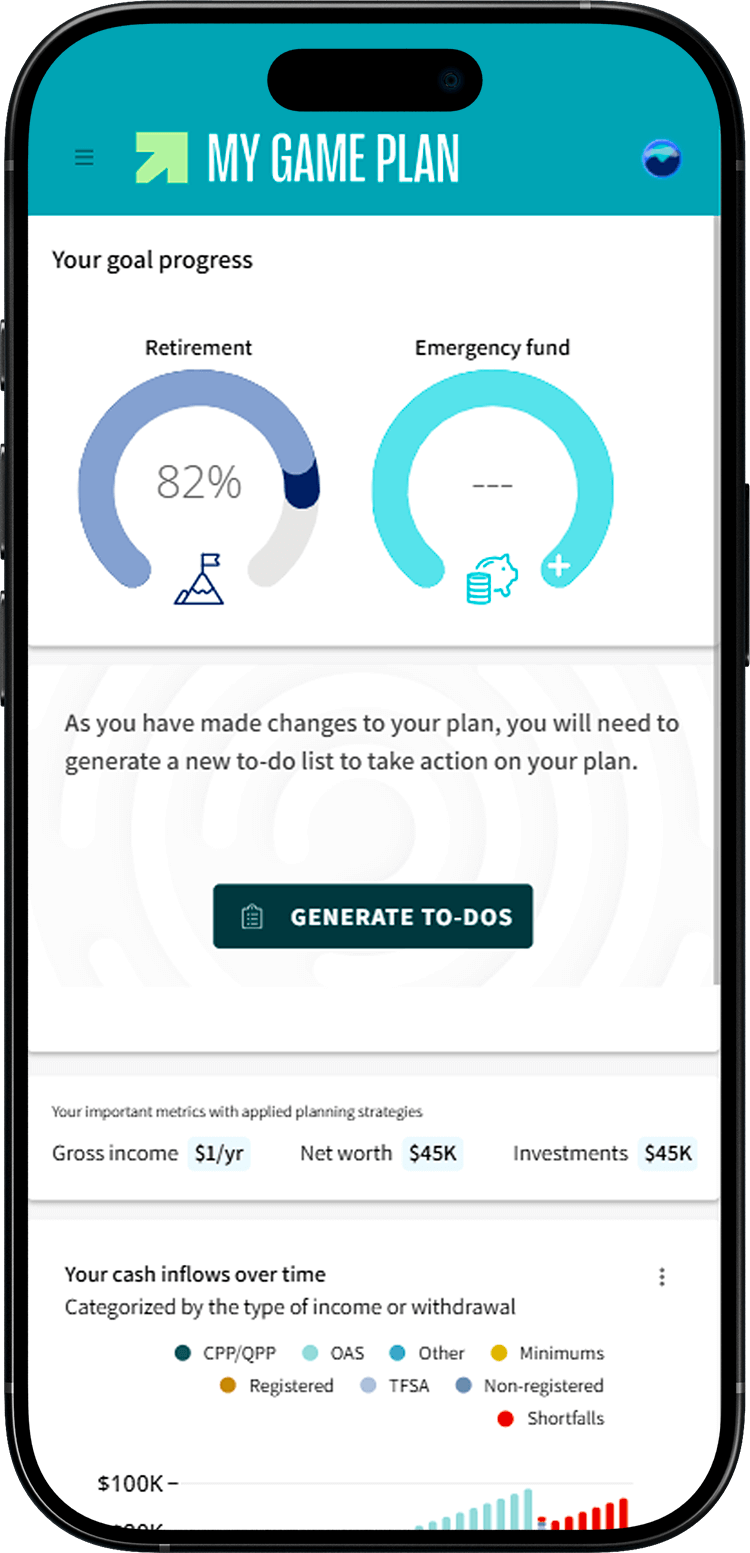

You'll need to click Generate To-dos each time you update any information in your plan.
03Implement the strategies
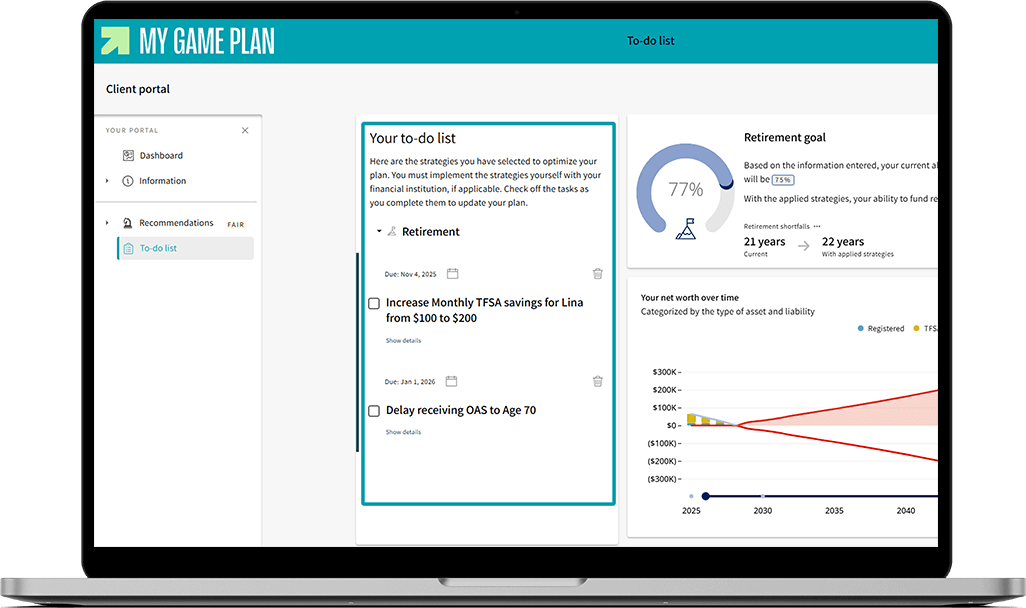
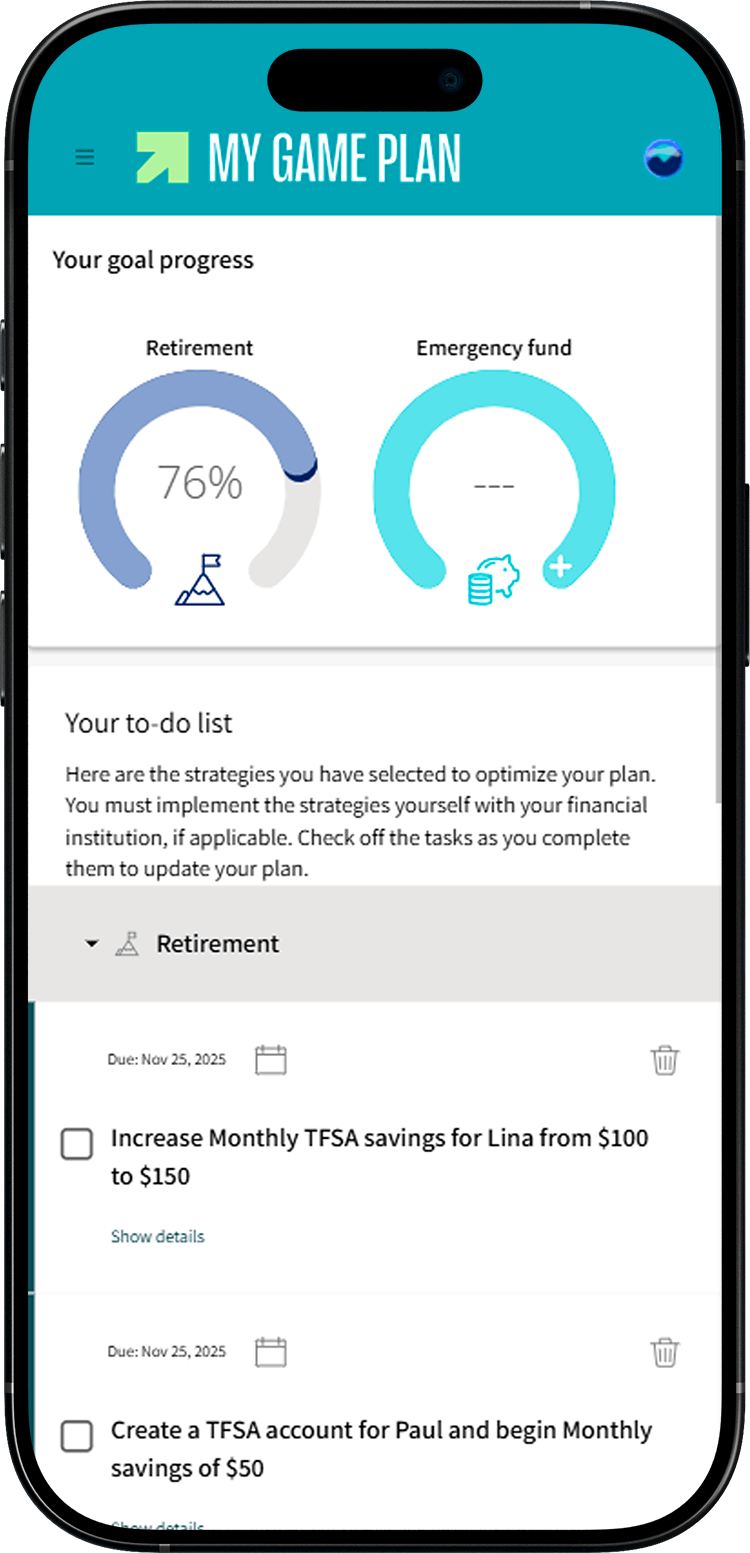
You are responsible for carrying out the strategies yourself. In the example shown, Lina chose to increase her automatic transfer to her FlexiFonds TFSA by $100 per month. She will complete this action herself in her online account and can rely on support from a FlexiFonds mutual fund advisor if needed.
04Update your plan
Once you've implemented a strategy, update your plan accordingly. Keep your to-do list for future reference. One step at a time, you'll get closer to your goal!
Tip
To view a record of the strategies you've applied and the details of different projections, click Download my plan in the top right corner of your dashboard.
Need help taking action?
FlexiFonds mutual fund advisors are here to support you. Reach out to the team for human guidance—at no cost and with no pressure.
Monday to Thursday, 9 a.m. to 8 p.m., and Friday, 9 a.m. to 5 p.m.