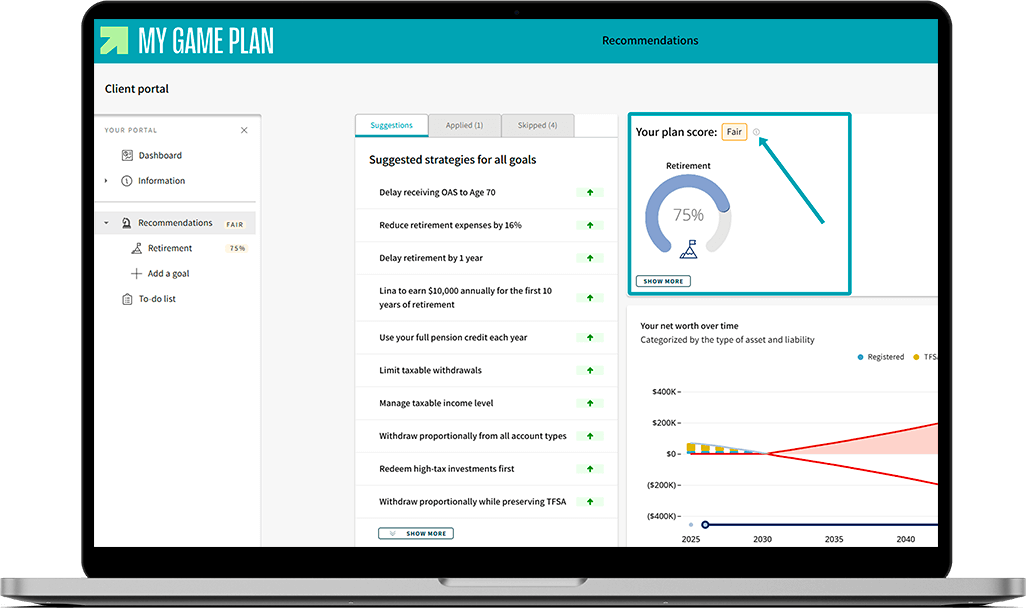
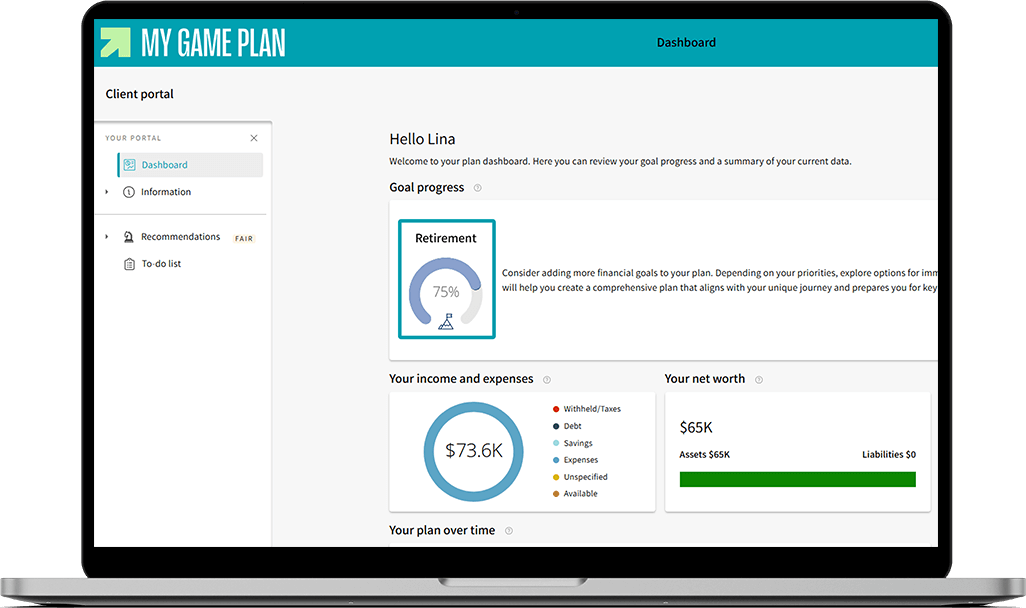
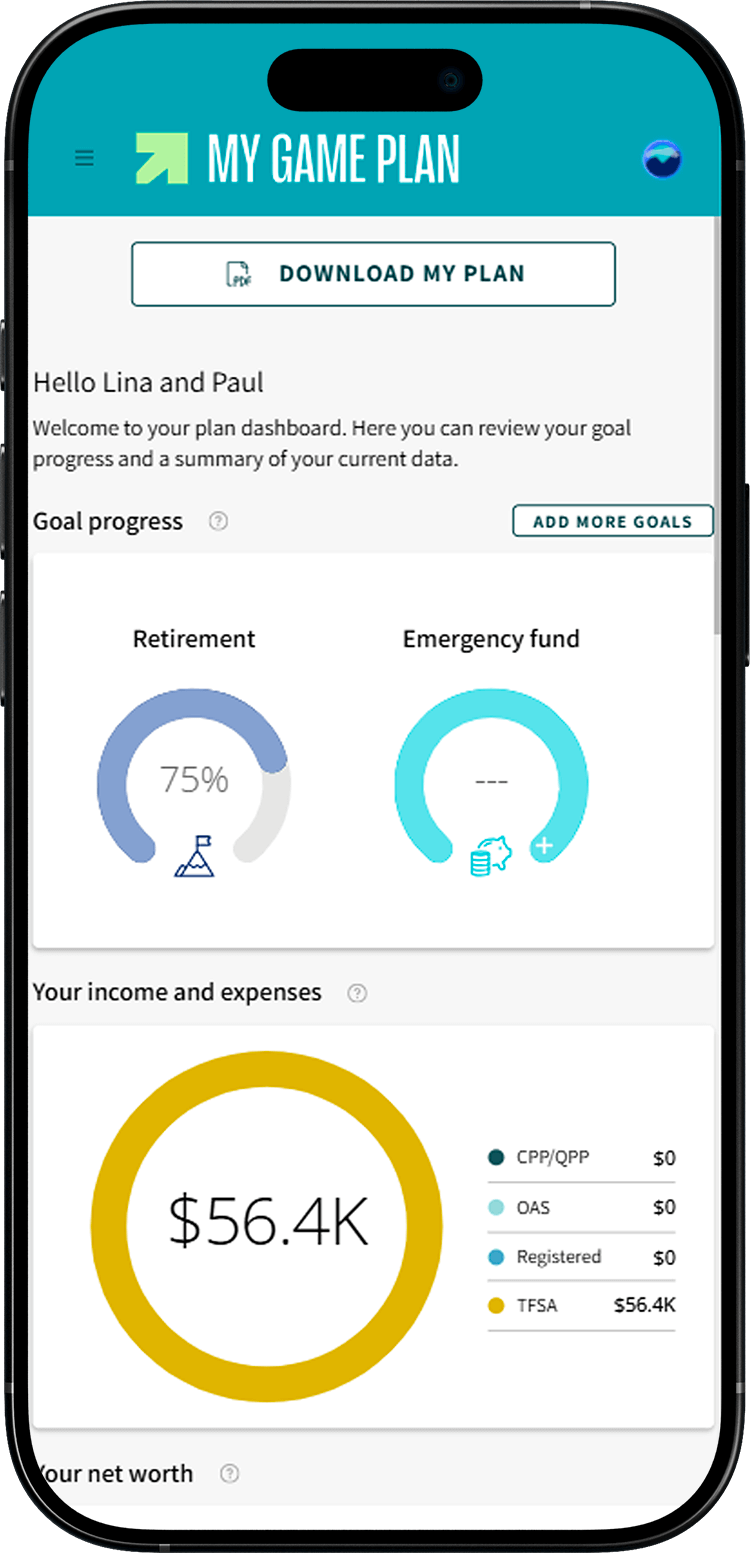
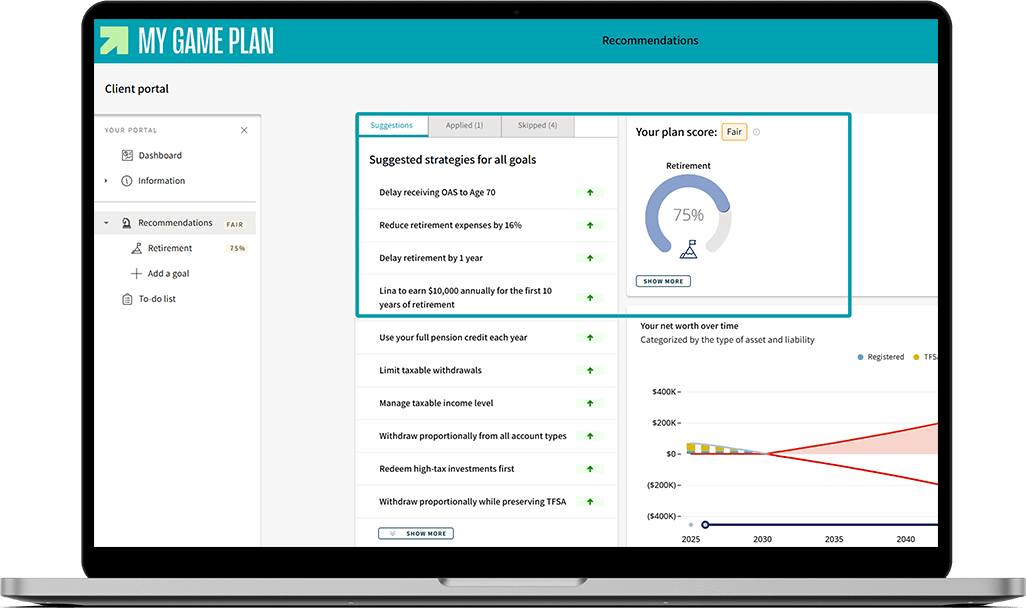
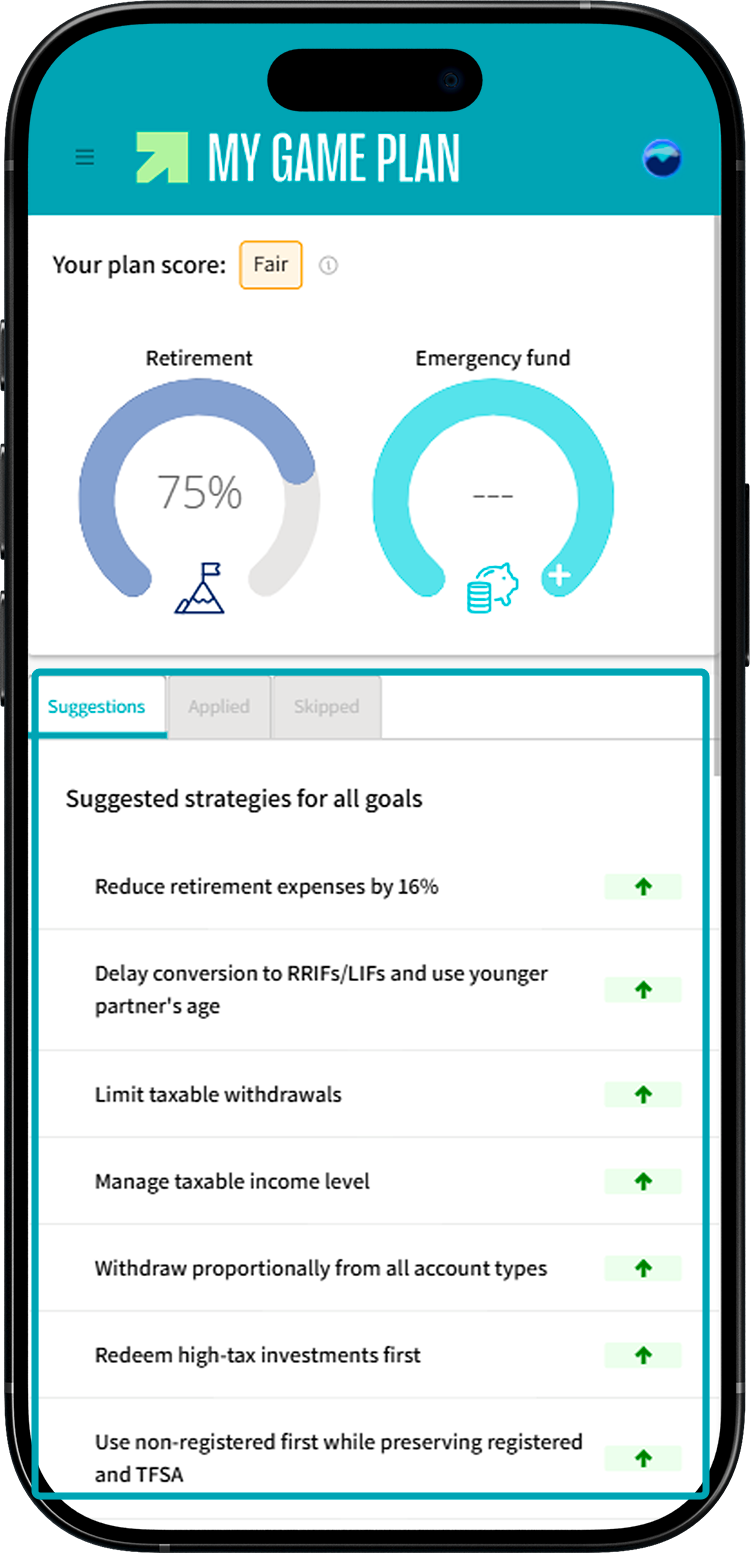
Let's take an example. Lina, age 38, wants to retire at 60. She's completed her plan, and her dashboard shows a score of 75% under the Retirement goal. This means that if her savings grow as expected in her plan, she'll have saved 75% of the amount needed to live the retirement she envisions by age 60.
Focus on strategies that make a difference
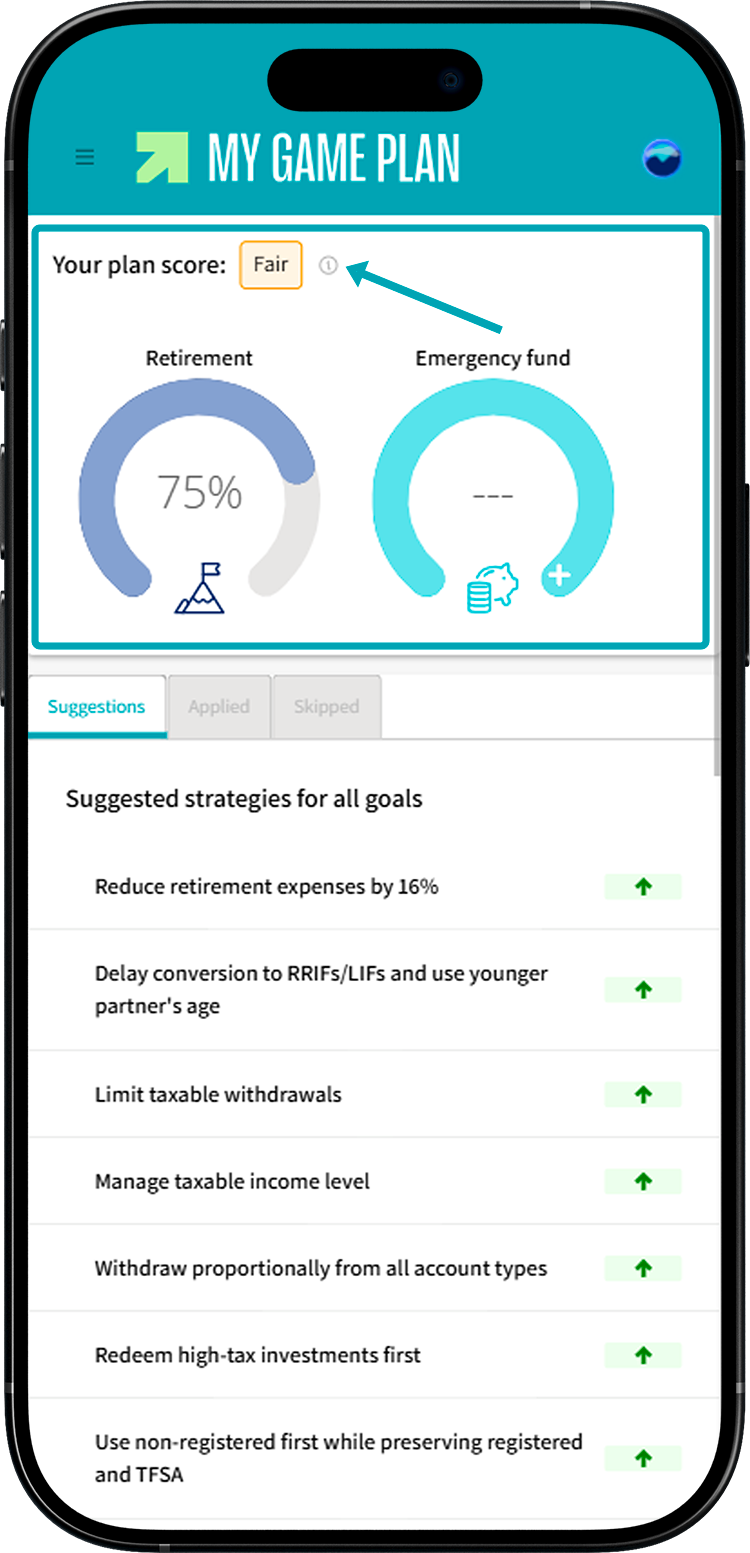
Your score is just a starting point! Once your score is calculated, the tool suggests strategies to help you get closer to 100%. Each strategy increases your score by a certain number of points, so you can see which ones have the biggest impact on your plan.
Try out different scenarios
Your dashboard percentage adjusts as you change your plan. Feel free to experiment with different settings to see how they affect your score. This will help you understand which strategies to prioritize.

Scored over 100%? Great job! The suggested strategies will help you continue growing your savings. If you'd like, you can also add new goals to your plan, like a travel project or estate planning.
About the score
In addition to percentages, your plan may receive one of four scores:
- Great
- Good
- Fair
- Improve
This rating reflects the financial health of your plan. Several factors go into the calculation, such as your net worth, how well your plan can handle market fluctuations and the amount of information entered.
The good news is that My Game Plan offers tips to help you strengthen your plan. To discover them, click the tooltip next to your score.